Cablefied receives its single largest update
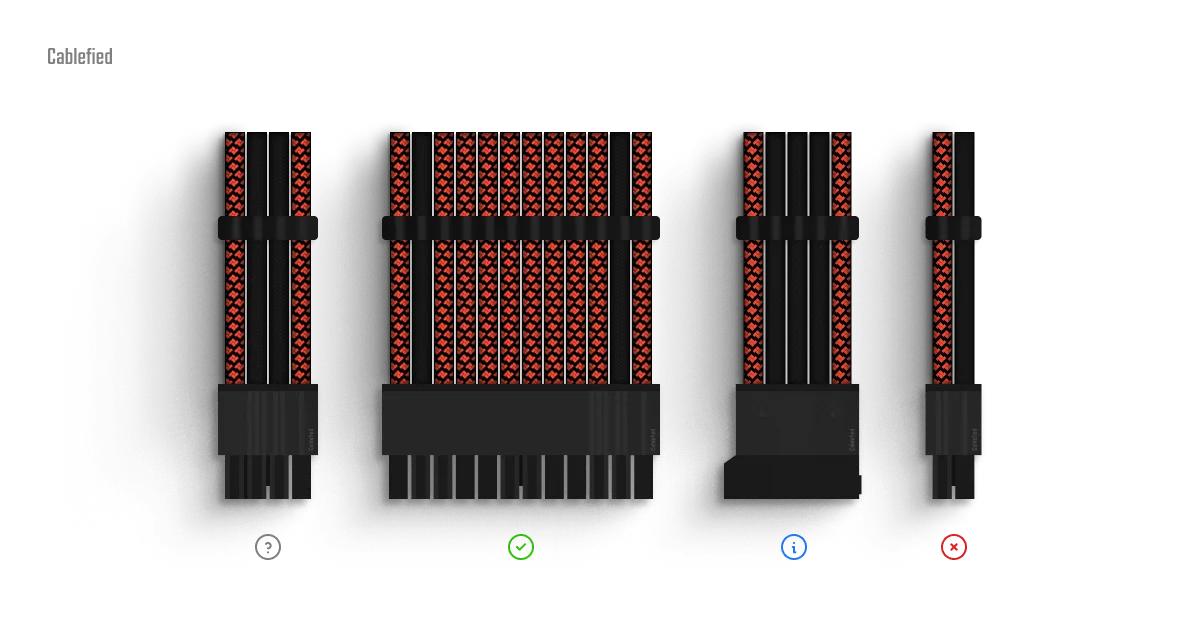
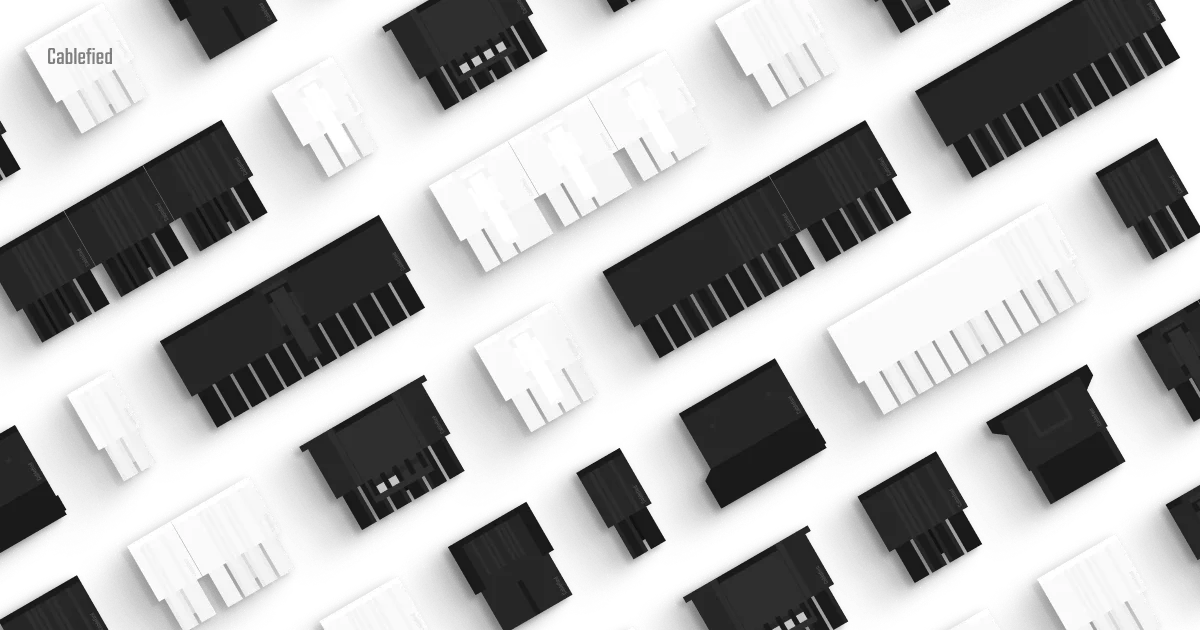
A snapshot in time regarding the current state of Cablefied after receiving its single largest update to date.
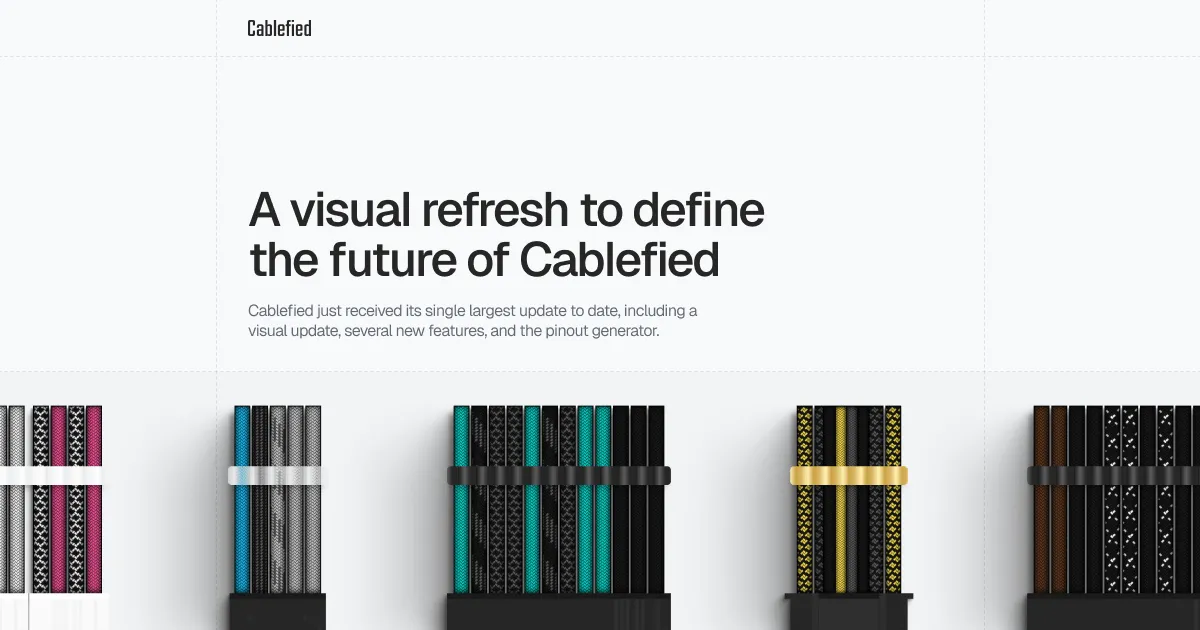
Since launch, Cablefied has received a steady number of updates. Whether this relates to new features, enhancements to the user experience, minor refinements, or even the removal of some items, the project is attentively progressing towards my original aspirations as a passion project.
However, this comes after several points of reflection while advancing through my internal roadmap. Let’s take a look at where we are currently at after all these major updates, and what comes next.
Continued support for the Cablefied configurator
From relatively simple beginnings, the heart of the Cablefied project has developed into a robust, custom sleeved PC cable configurator with the addition of several new features, and refinements, to improve the experience.
Add, remove, and reposition cables
The configurator has gained the ability to add, remove, and reposition individual cables anywhere in the order for viewing purposes. Due to the full rebuild of the logic at that point, numerous cables of the same type were then allowed to be present at once, which was not available at launch. Furthermore, the removal and reset buttons have received confirmations to ensure the user’s actions are intentional.
Design and configuration options
To expand on the original feature set, each cable now includes a length, category, clip direction, and comb quantity selection. This further deepens the level of customization one can achieve when planning their own set of cables. Several new sleeving and comb colors have also been introduced, with many more coming in the future.
Visual clarity
Certain aspects of the cables, combs, and connectors, across all cable types, have been adjusted since launch. This comes from my pursuit to build the best visual experience for users. Adjacent to these visual elements, several key accents have been implemented to ensure users understand when certain actions are being taken, such as clicks, removals, movements, and more.
Image generations for social media
After designing cables in the configurator, you can turn your set into a custom image for social media. The cables can be selected, and deselected, for ordering, the background color can be changed to match your color scheme, and you can set the correct aspect ratio for your specific social platform.
Introducing the brand new power supply pinout generator
This is a brand new resource added to the Cablefied project. Built similar to the configurator as a result of my own personal needs when working with custom sleeved cables, the pinout generator minimizes the amount of time one needs to spend manually graphing power supply pinouts by hand. You can even add a custom title and notes based on your experiences with the PSU unit.
Organized by cable type
The pinout generator operates based on four power supply cable sections. These include the ATX, PCIe, EPS, and PERIF sections. Each one includes the standard connectors required on the component and power supply end, and can be customized based on your specific power supply’s components. Additionally, each section can be toggled on and off to showcase only the relevant options for your pinout.
Considerable customization
Each component end of the cable is standardized and static to reduce friction when designing. However, the PSU end can be customized by color, voltage, sense wire, and connector type. Similar to the configurator, simply select your pin type and apply it to the pins in the connector. Empty and sense wires can also be applied in an equivalent manner.
Always saved on refresh
In case you accidentally refresh the page, need to visit another website, or come back later in the day, all of your adjustments to the pinout will be saved. This even includes the title, notes, and automatic connector fields. Of course, you can always reset the pinout back to its default values.
Generate an image when finished
After customizing your pinout, you can download the diagram as an image for reference later, or even share it online with others. This tool will hopefully allow individuals to generate custom pinouts for their specific power supply much faster than with graphing paper or a digital spreadsheet.
An important visual update
As a result of the project’s new resources, Cablefied has received a major visual refresh to align with the new, refined direction moving forward. These changes will gradually flourish across all mediums, but, nonetheless, I hope users welcome this transitory period and benefit from the improvements as it all comes together.
This also includes numerous adjustments to pages, features, and graphics not directly highlighted in this post. Each modification, whether large or small, comes as a result of polishing the user experience based on comments and observations since the project’s launch.
What’s next for Cablefied
As it stands, Cablefied now offers an original, handcrafted configurator for custom sleeved PC cables with sharing and image generations, a customizable pinout generator for power supplies with image generations, and a growing collection of compatibility pages and journal posts. As 1.0.0 approaches, I look to expand the color choices in the configurator, and take feedback on the new pinout generator. There are still a few components on the internal roadmap I would like to build out before the big 1.0.0, but it will have its moment once the time is right.
As always, your feedback is important, and appreciated. You can visit the dedicated contact form, which is new by the way, to get in touch. Social media is also an option. I just need to get back to posting more over there. Thanks again for supporting my passion project, Cablefied.
Explore more from the journal
Continue reading with these related, hand-picked posts from the journal.