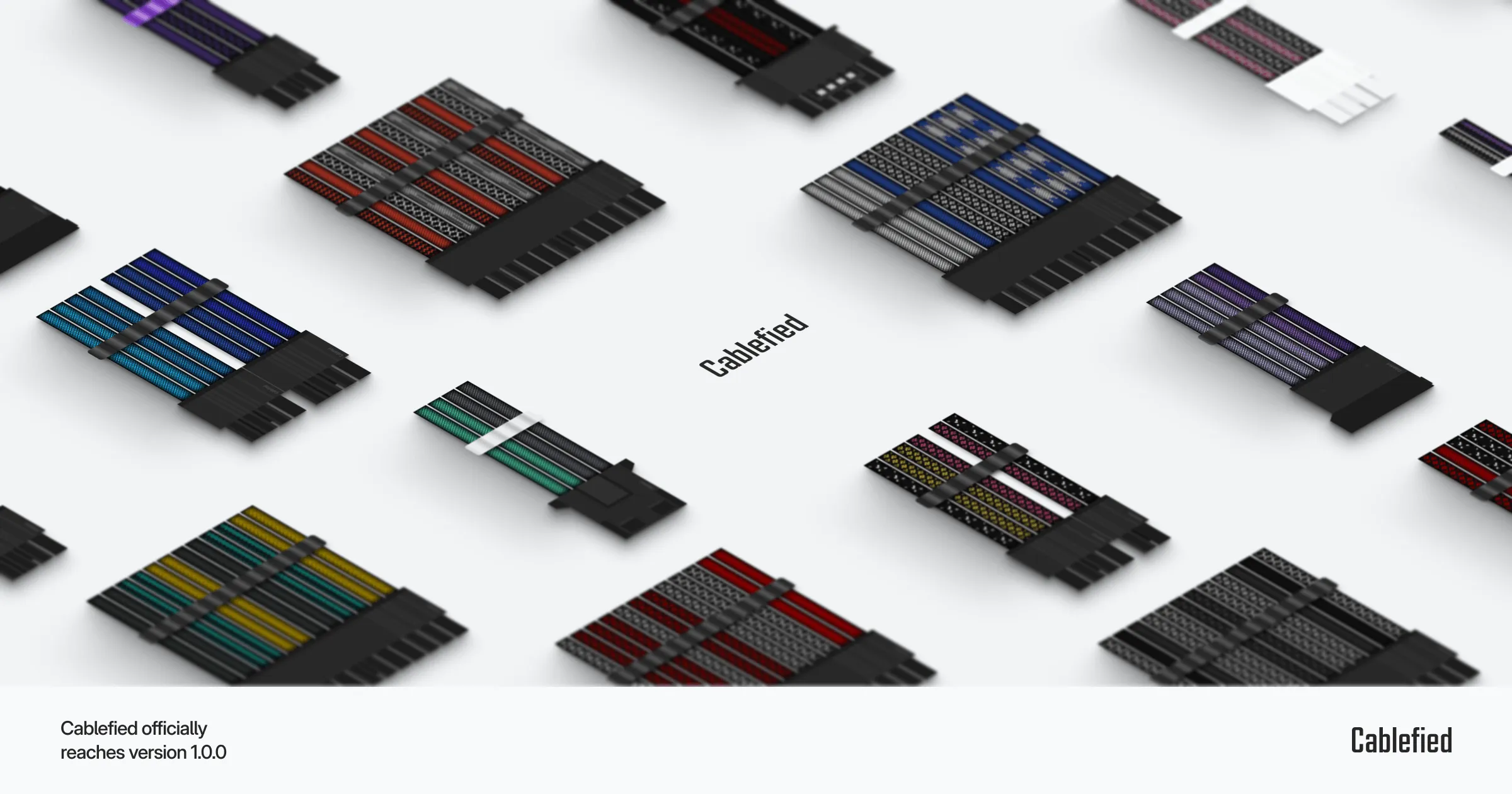
Cablefied officially reaches version 1.0.0
A complete rewrite, new features, and various other adjustments to commemorate this important milestone.
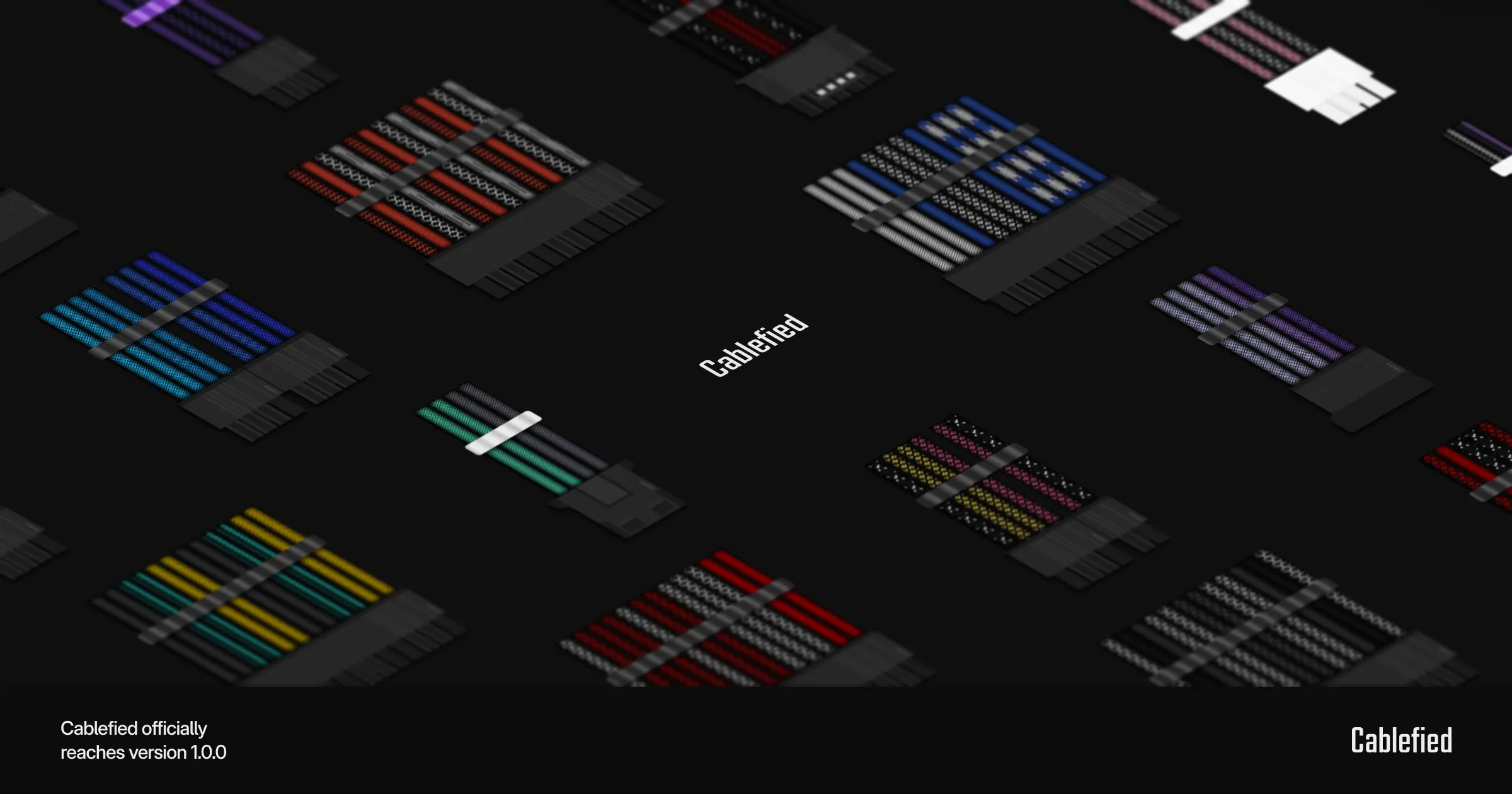
Originally, I set out to build a rudimentary custom sleeved PC cable configurator capable of helping me craft my own cables. While the initial product was adequate enough to build and design cable sets, I ran into small issues over time as new features were added across the project. I was not a fan of what personally felt like an increasingly disjointed group of imaginative ideas and rough concepts built into one system. Therefore, I sat down and restructured the entire project into what I believe is now a unified set of resources for custom sleeved PC cables.
While it has been a long time coming, I am happy to officially announce Cablefied has reached version 1.0.0. With this update, the project has been almost entirely rewritten to properly connect the resources, support new features, and provide a general improvement to the user experience. Let’s take a look at some of the highlights.
A variety of configurator changes
Every configurator feature you have been accustomed to has improved in one way or another. From the visual elements and interactivity, to the materials calculator and image generation features, several key adjustments have been made to better align with this new interconnected project direction.
Visual clutter
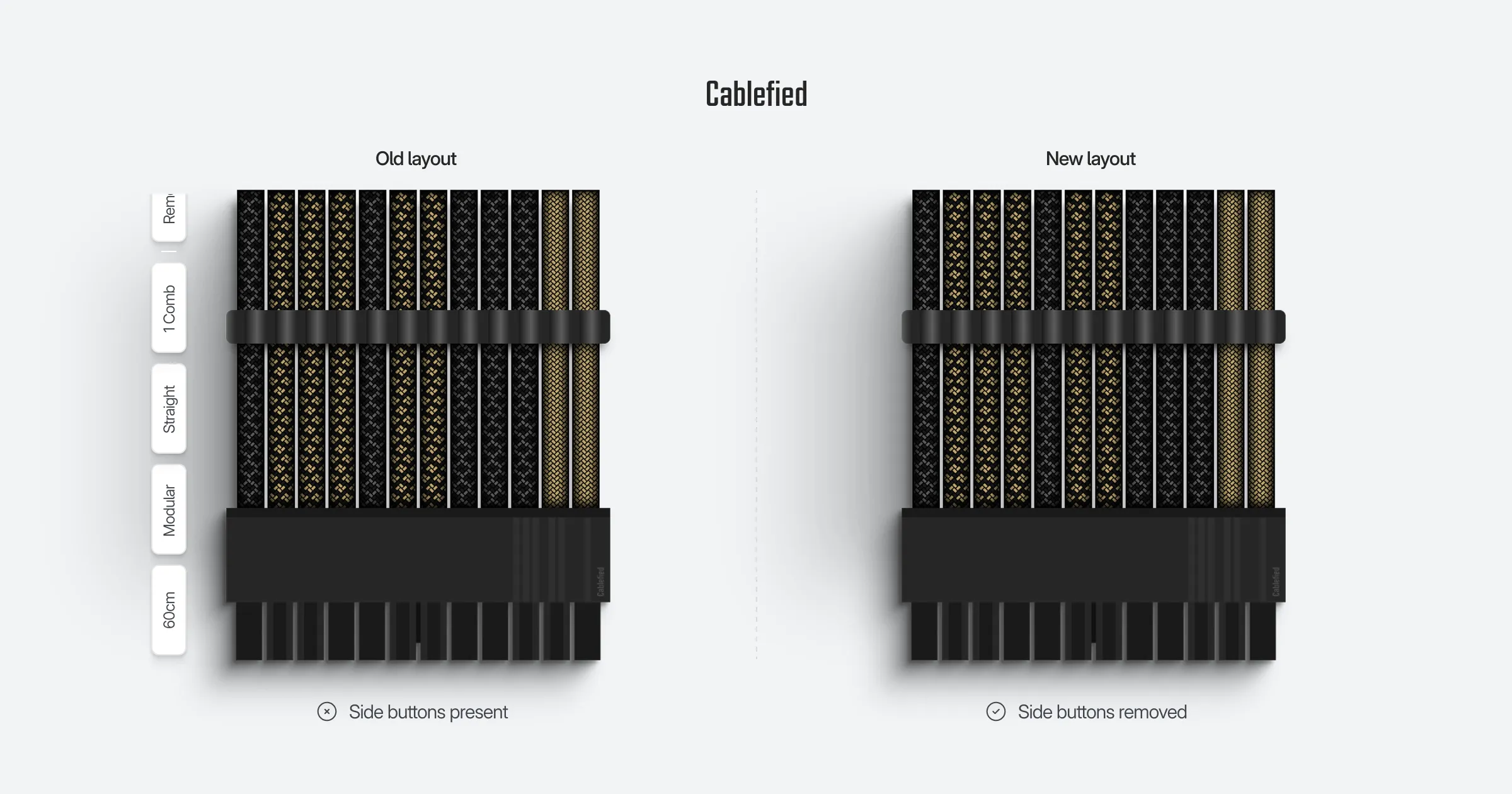
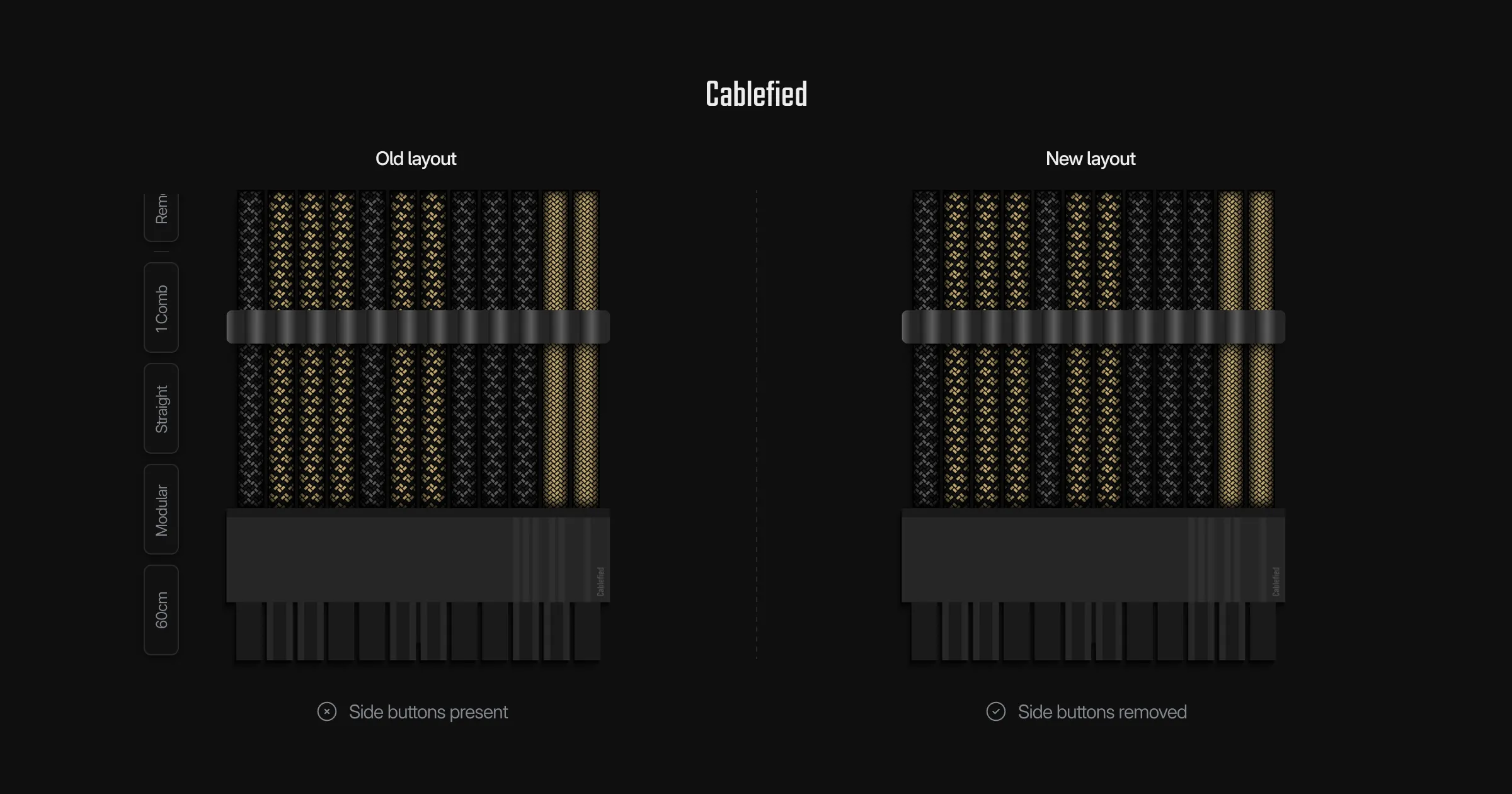
To start, the configurator has been slimmed down visually. For example, do you remember the buttons on the side of each cable in the configurator? Fortunately for all of us, those are gone. Other than the sleeving colors, every cable specific customization can now be handled entirely in the config panel, on an individual cable basis, effectively keeping the preview area clear from visual clutter.
Interactions
You can now add as many cables at once to match your project’s needs in the configurator. There are still limits on the number of cables when copying and generating images, but you should not, realistically, run into any issues for regular cable sets. Several minor adjustments to the editing experience have also been made to help you manage and identify cables, including automatic scrolling and nudges to highlight the edited cable. In addition, cables can now be reordered by dragging and dropping, or with the reposition buttons in the config panel.
Calculating materials
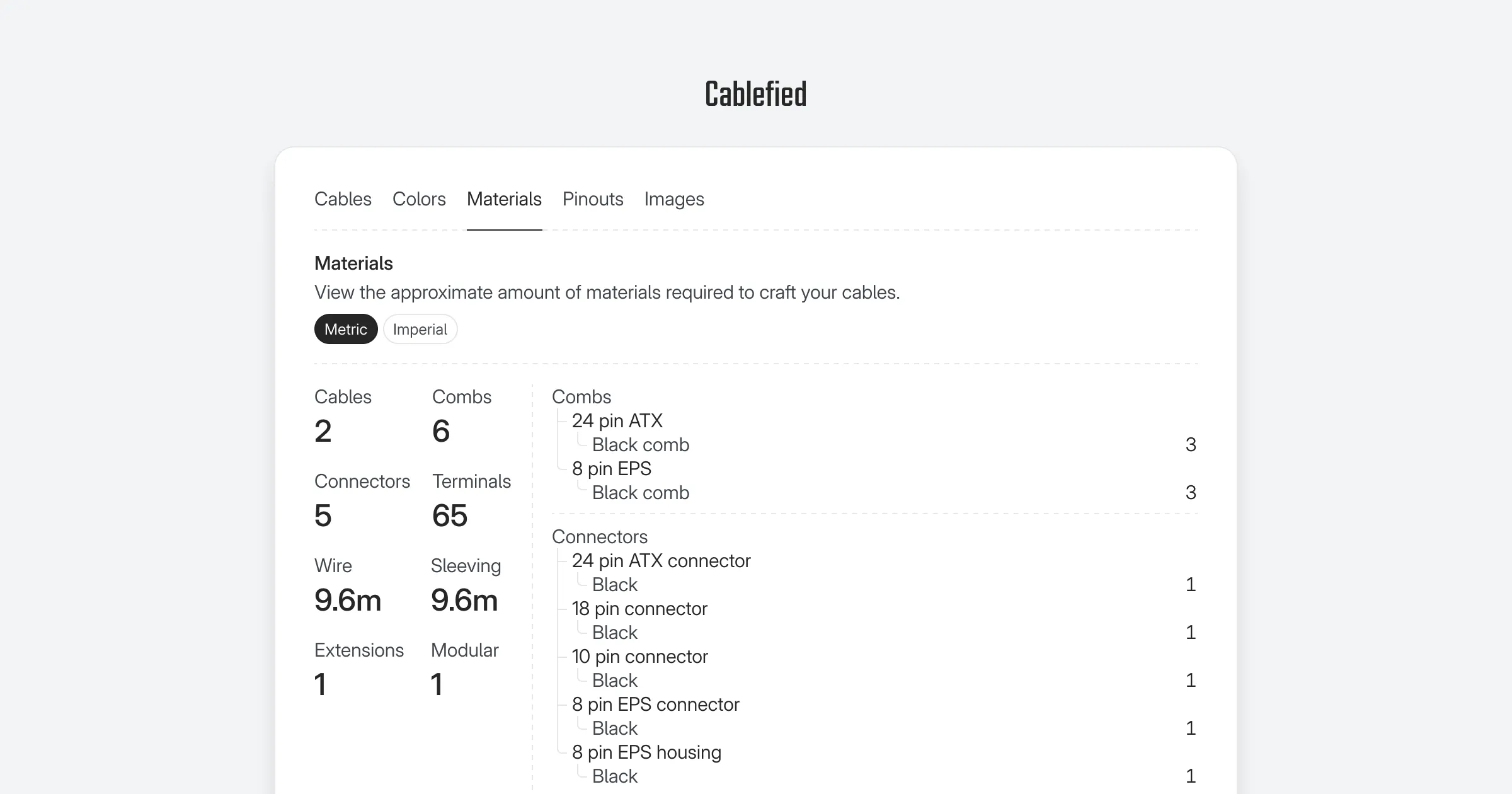
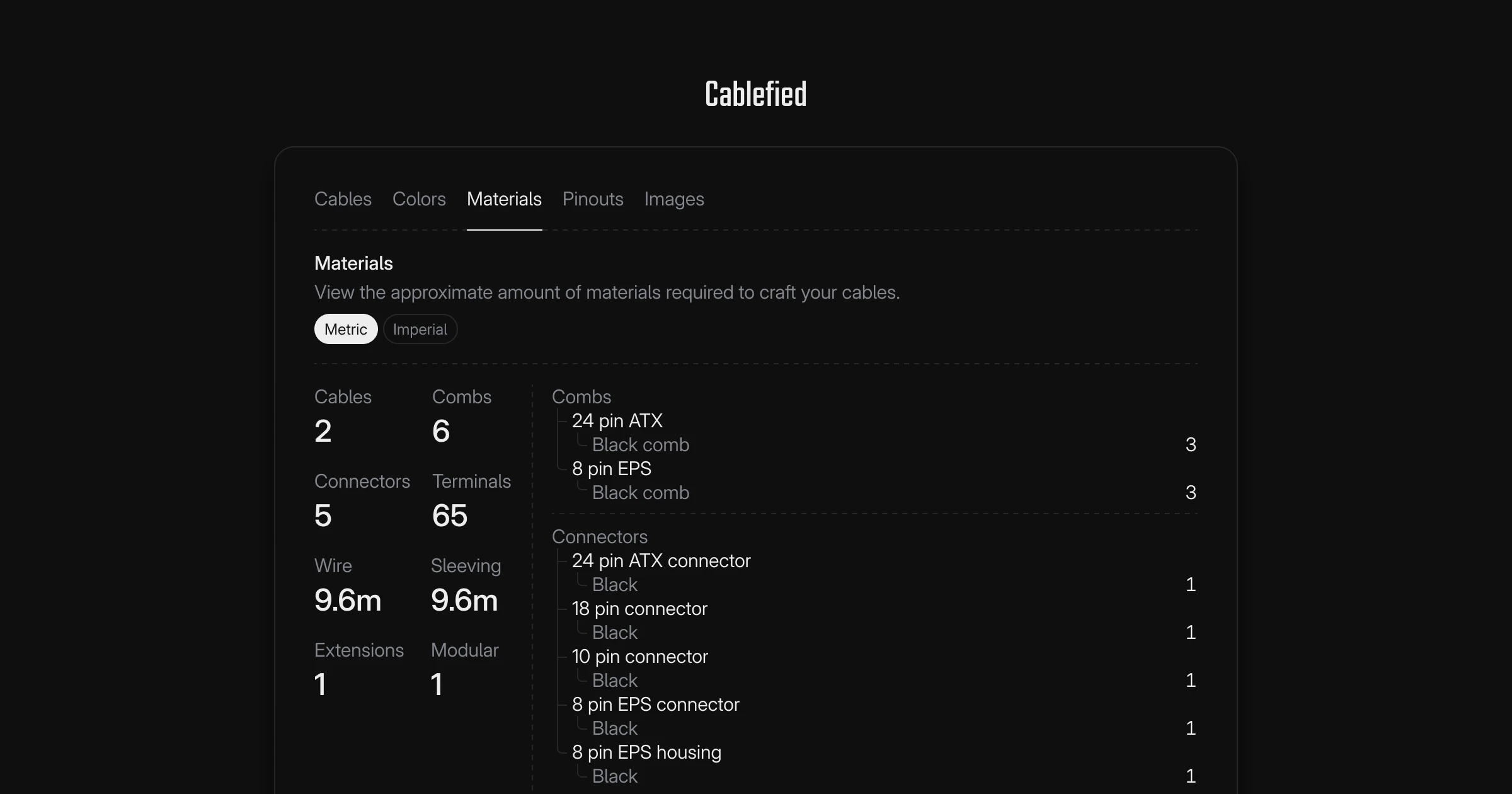
The material calculator has received a major overhaul with new features including per-pinout approximations, a detailed visual overview, and more tracked supplies. For example, you can now create a custom cable set, select the power supply pinout you plan to use in your build, and the material calculator will display an approximation of the amount of supplies for your specific build’s pinout. Pretty cool, right?
Generating images
The image generator has also been refined and moved to the config panel next to all the other tabs. As a result, you can now customize your image without a large, overbearing overlay. Nonetheless, all the same great features are included such as changing the aspect ratio, background color, and included cables.
An all new pinout generator
The initial pinout generator was a proof of concept that performed well, but lacked a few important features. While adding custom titles, notes, and pin voltages, along with toggling specific cable groups, were important, there were still aspects I felt were missing.
Pin tracking
Previously, only pin voltages and sense wires could be set on each connector. It was not possible to track the pins from one end of the cable to the other. With this update, you can now set pin voltages, pin numbers, sense wires, and flipped connectors, with it all tracking automatically for your image. This new pin tracking system is entirely optional, so you can either track the pin numbers and sense wires, or exclude setting any pin numbers altogether and just use the voltages.
Visual wiring layouts
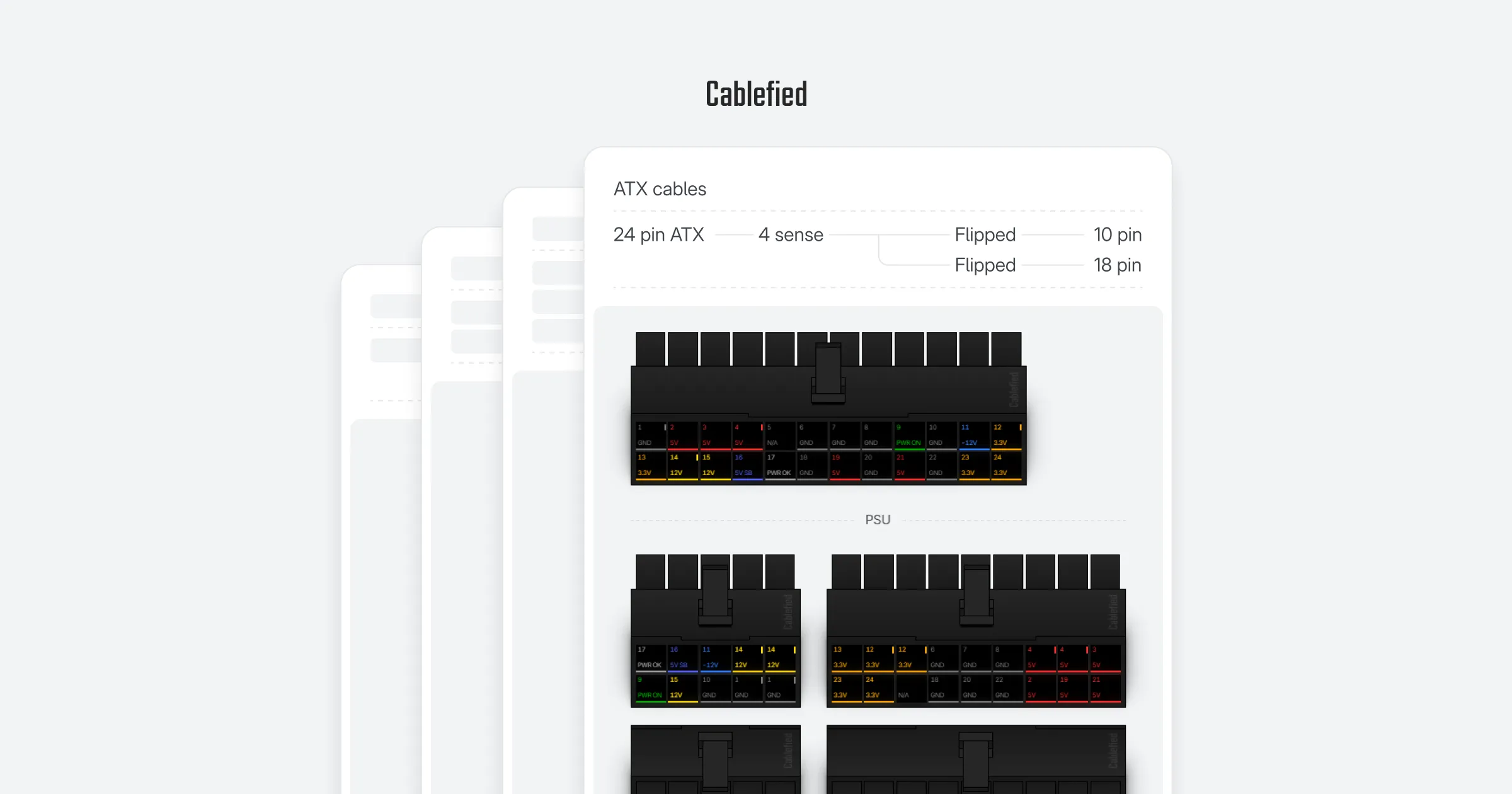
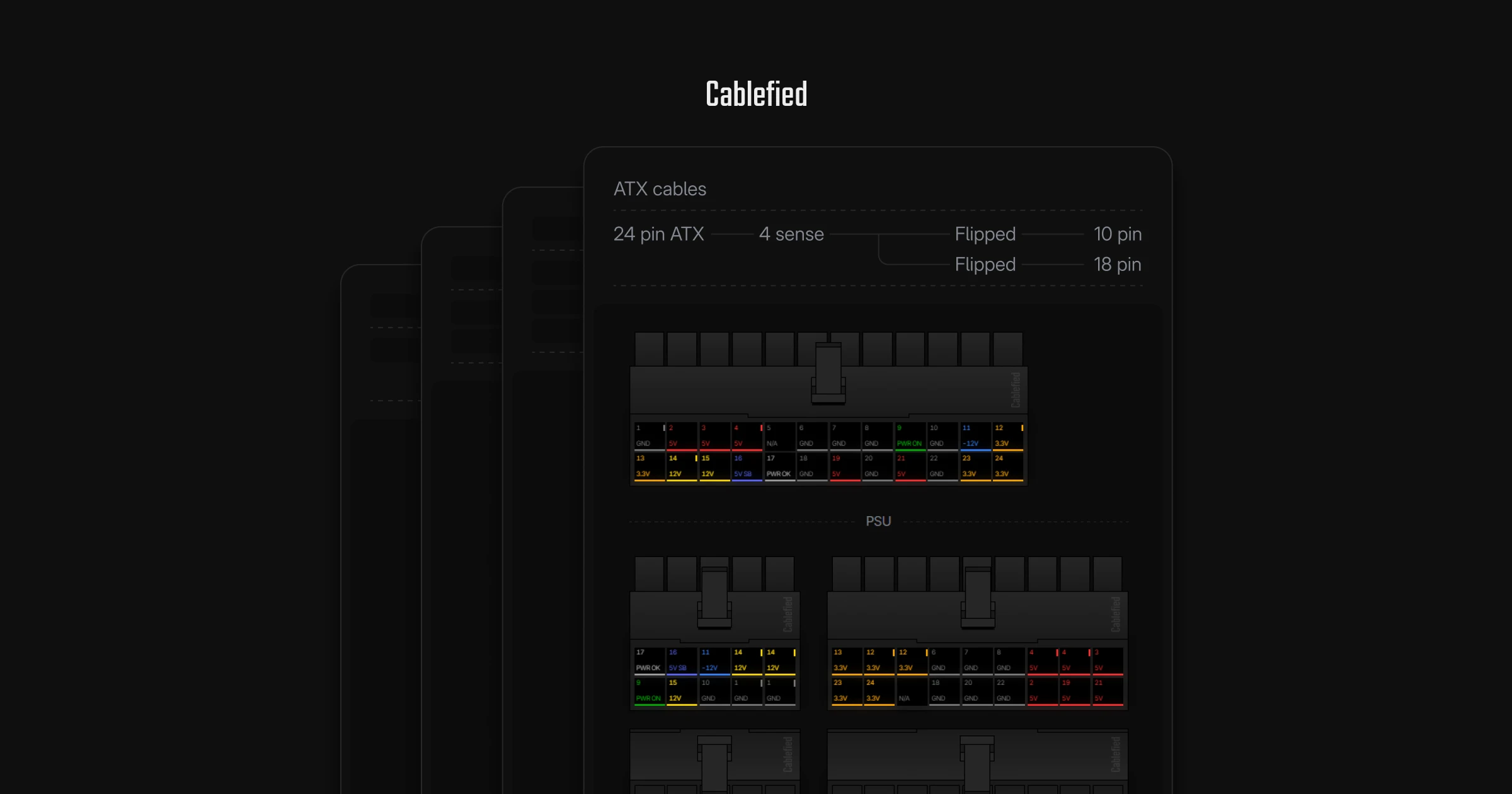
After you build your pinout, you can create a custom image with options such as displaying specific cable groups, changing between black and white connectors, flipping the PSU side connectors, and displaying the PSU keys.
There is also a new wiring preview section in each cable group. Depending on if you successfully track pins and connect sense wires, or choose to flip the PSU connectors, a visual representation of which component and PSU connectors contain these features will be connected together in the display. This is a neat addition I am excited to introduce for quickly identifying the wiring layouts without including an overly complex graphic.
Subtle connector updates
Along with all these other updates to the pinout generator, the connectors have received a small visual uplift to accommodate the new features and design direction.
Contribution feature for community pinouts
After building a pinout, you can now contribute your diagram for community review. This new feature adds to the compatibility pages, alongside the existing options, as a way to reference and compare power supply units I may not have directly tested for review. I go into a little more detail regarding this process and how it works in the compatibility section below.
Refining the inspiration workflow
The inspiration generator has received a revamp improving the design preference selection process, and also sets light guardrails when progressing through the items. For example, you can now expect a description of what selections are required prior to generating cable designs, and use the included list to review the selections before generating cables.
The preview cable has also been moved up top on desktop to help you understand what each selected preference looks like. Afterwards, upon generating a set of cable designs, you can still transfer your favorite cable into the configurator with a single click. While the overall inspiration concept has remained comparable to the previous update, the system now offers a step by step approach to guide you through the required items to generate inspiration, a visual list to confirm your choices, and a few other enhancements to improve the user experience.
Improvements to the cable length initiative
The cable length initiative was an ambitious task, and while not perfect, has received an overhaul to make contributing more straightforward. Prior to this update, the contributed lengths were predominantly crafted cables or purchased cables. While this has certainly helped build the dataset up until this point, I quickly realized it would be important to collect all kinds of cable lengths. For example, if you completed your build, whether you used the stock power supply cable lengths, crafted your own cables, or purchased custom cables, all options should be contributed. This helps build the most accurate dataset, as long as the submitted lengths fit your build, of course.
I also rebuilt the entire frontend and backend systems supporting this endeavor, and added a few new features into the recommended PC case cable lengths pages. These will be explorable once enough genuine submissions have been contributed.
New PSU cable compatibility and pinout feature
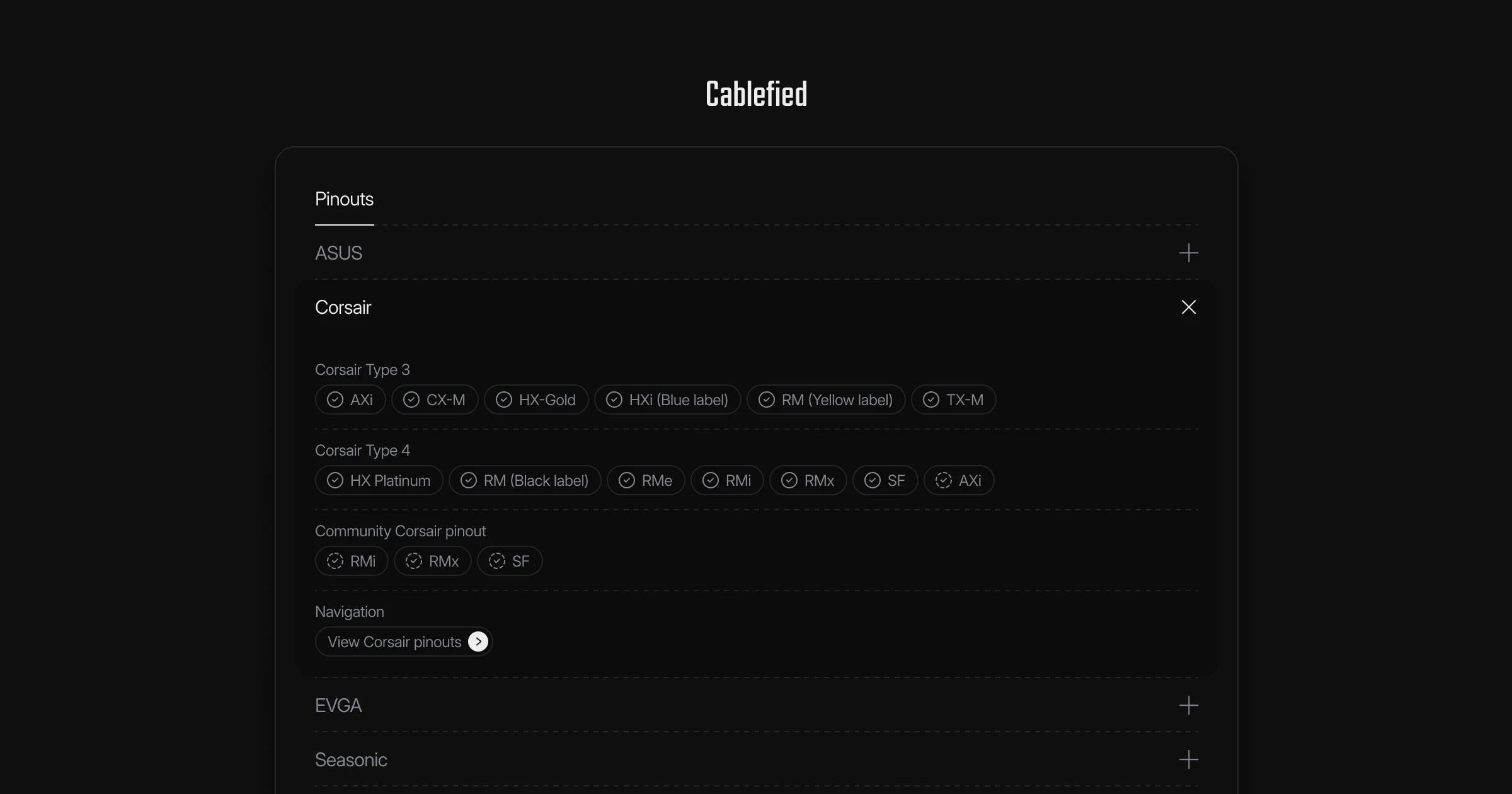
As pinouts have been a large part of Cablefied, I wanted to open up the verification process to a larger set of data beyond my own capabilities and create a public pinout dataset for the community to contribute to, review, and report on for the most accurate results. Therefore, I am excited to introduce the community pinouts.
Community pinouts
While I have worked with many power supply units to verify unique brands and series over the years, whether directly or indirectly, there are always going to be new power supplies hitting the market, old ones phasing out, and a general portion I simply haven’t had an opportunity to experience.
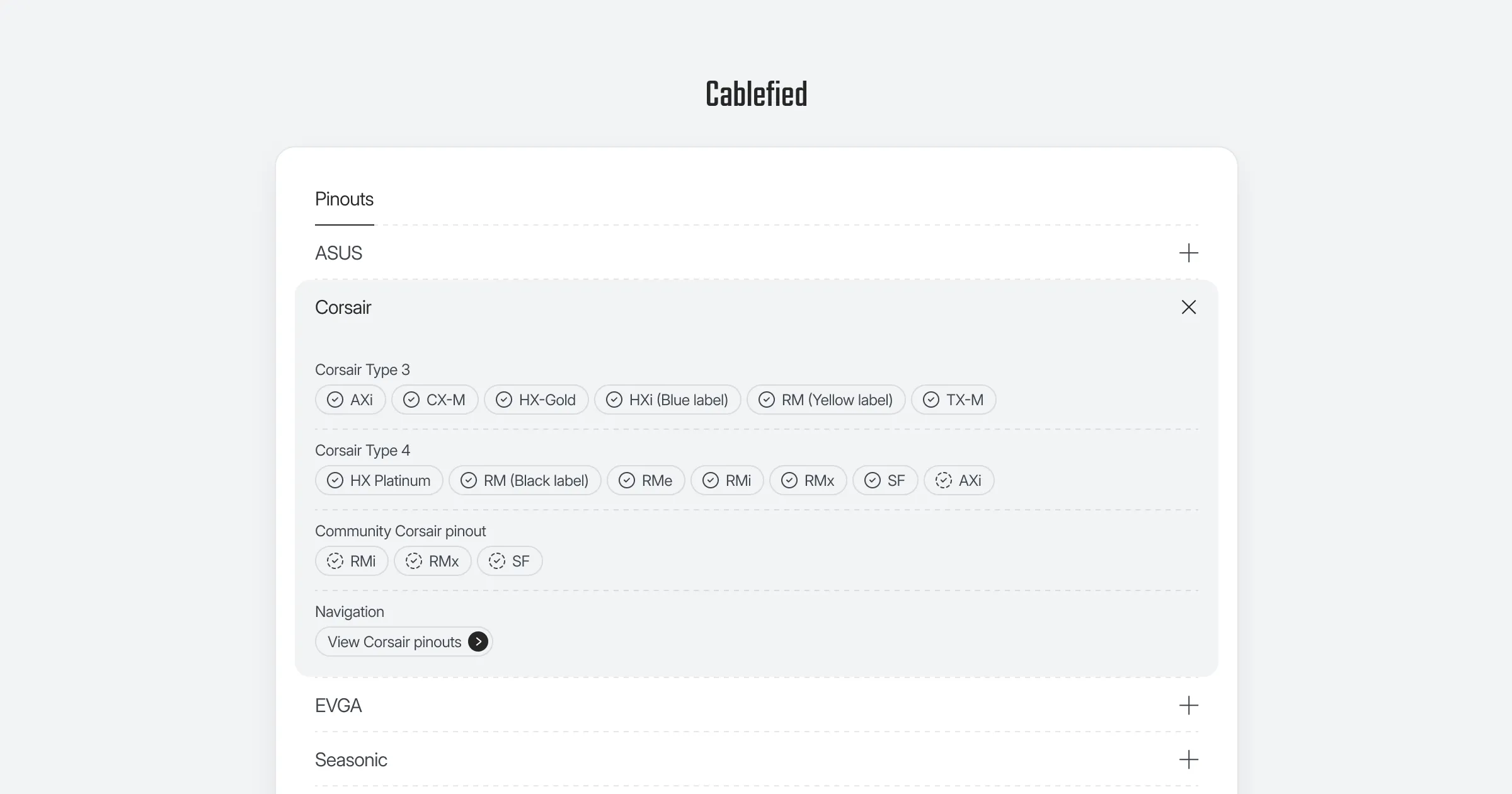
Therefore, when individuals are designing pinouts in the pinout generator, as they traditionally would for personal use, they can also contribute that same completed pinout for community review. Cablefied then intakes the diagram and processes the data across a larger set of submissions. From there, community pinouts will be displayed alongside other verified pinouts to explore, reference, and compare. One of the most important pieces is that if you happen to see an inconsistency, or error, across any pinout, you can simply report the issue with a detailed description, and it will be addressed in an attempt to build the most accurate community-driven pinouts for everyone to use.
The new Cablefied resources product dataset
As the Cablefied project has grown, and the recommended cable lengths and power supply pinouts have become more community-driven, I wanted to build a public-facing, interconnected collection of all the products used in the resources I developed.
In addition, for individuals who prefer to craft their own cables, you can also view detailed information that is not always available online or through the manufacturer’s website itself. For example, this includes the connectors on both the component and power supply sides, the stock cable lengths and their specifications, and both verified and community-verified pinouts for the wiring.
Wrapping up
These are some of the most notable updates for Cablefied as it officially reaches version 1.0.0. Since a majority of the platform has been rewritten, I am hopeful you will enjoy some of the smaller details that have been implemented across the project.
As a reminder, Cablefied is a passion project I enjoy building in my spare time as a singular dev. I do my best to take in feedback, and I enjoy discussing the topics online. However, new updates do take time to plan out and execute. If you want to help grow the project, simply using the resources, sharing with others, and leaving feedback are the three biggest forms of support. I already have several additional ideas for the project moving forward, but, for now, I am excited to wrap up this milestone and make the update available for you to experience.
Explore more from the journal
Continue reading with these related, hand-picked posts from the journal.